Simple buzzer for food trucks.
Spend less time yelling out orders and gain control of the crowd.
Get started - it's free ✨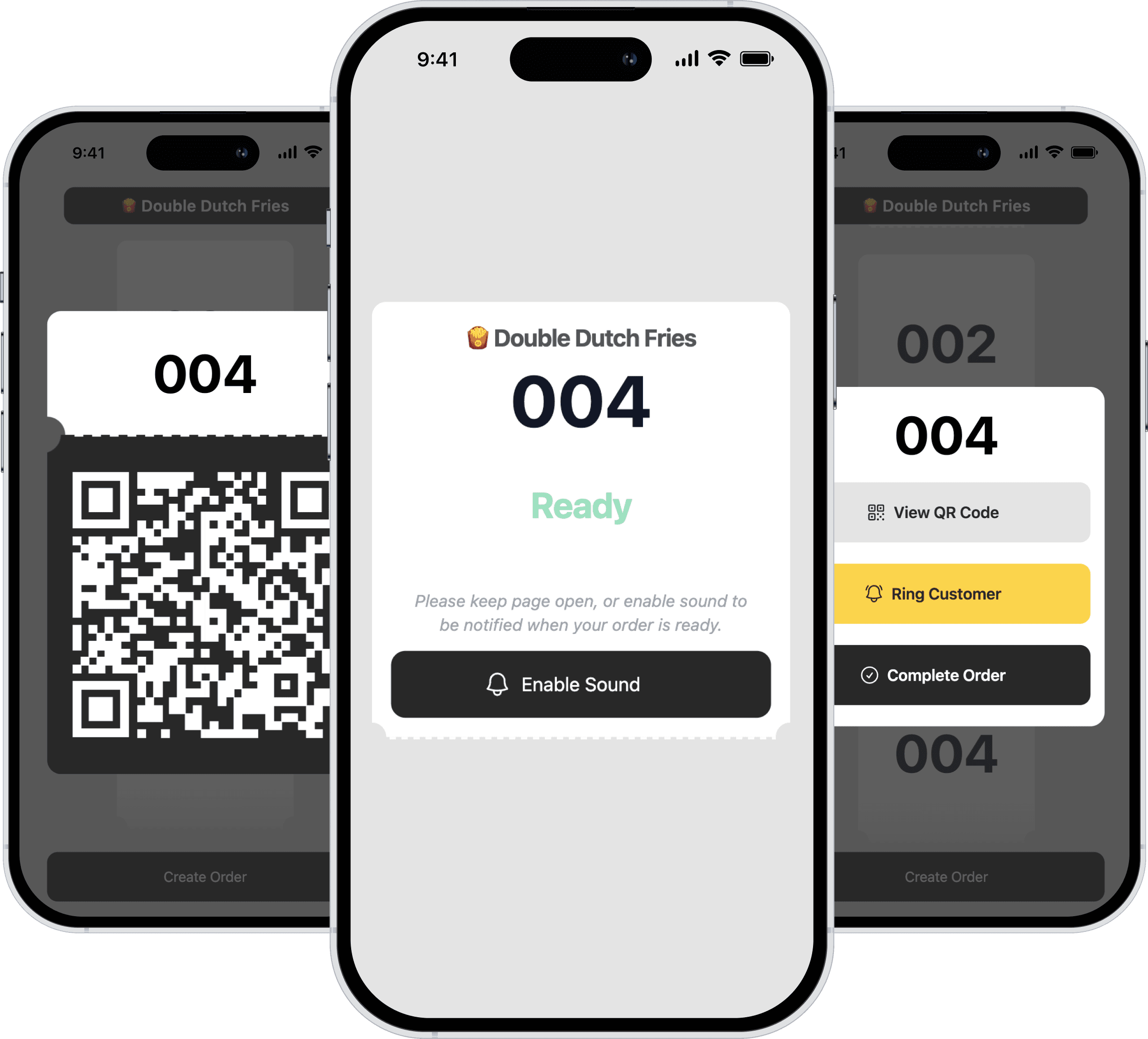
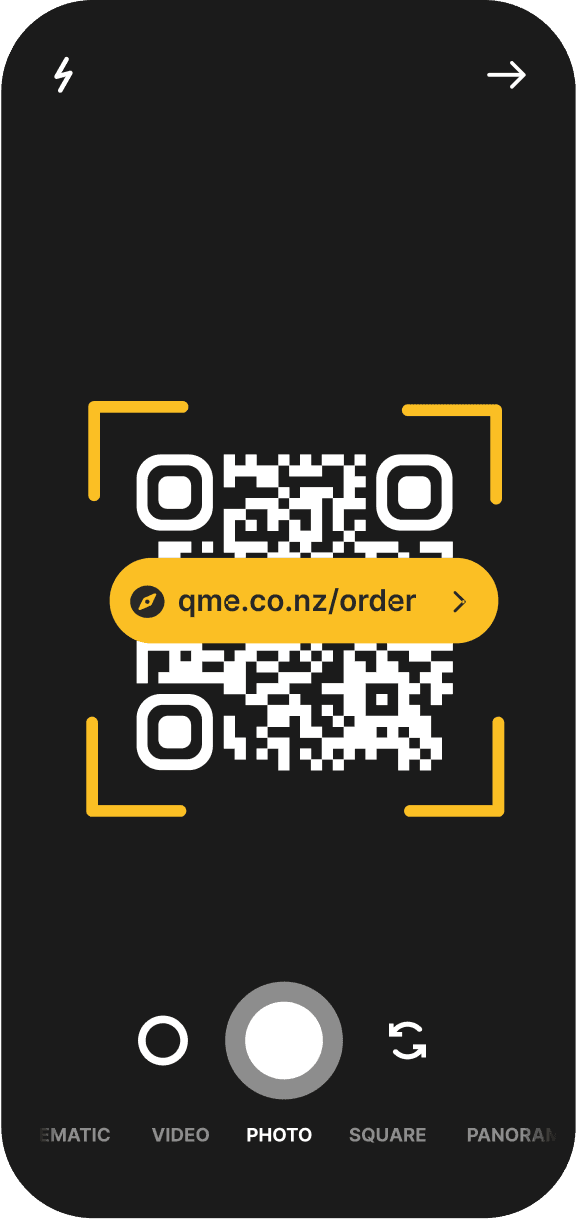
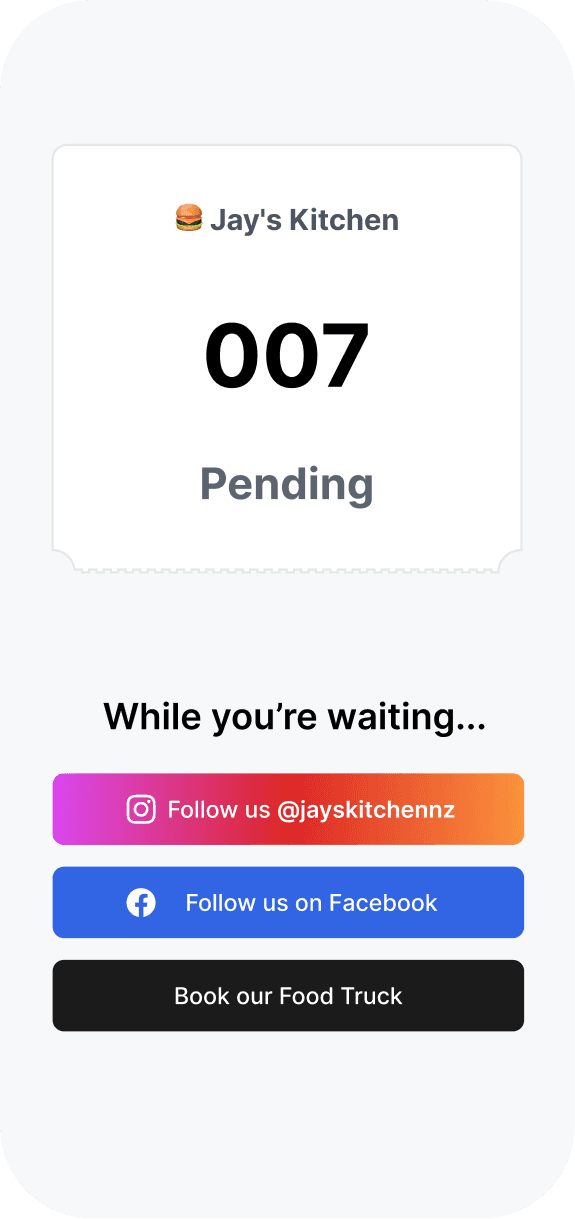
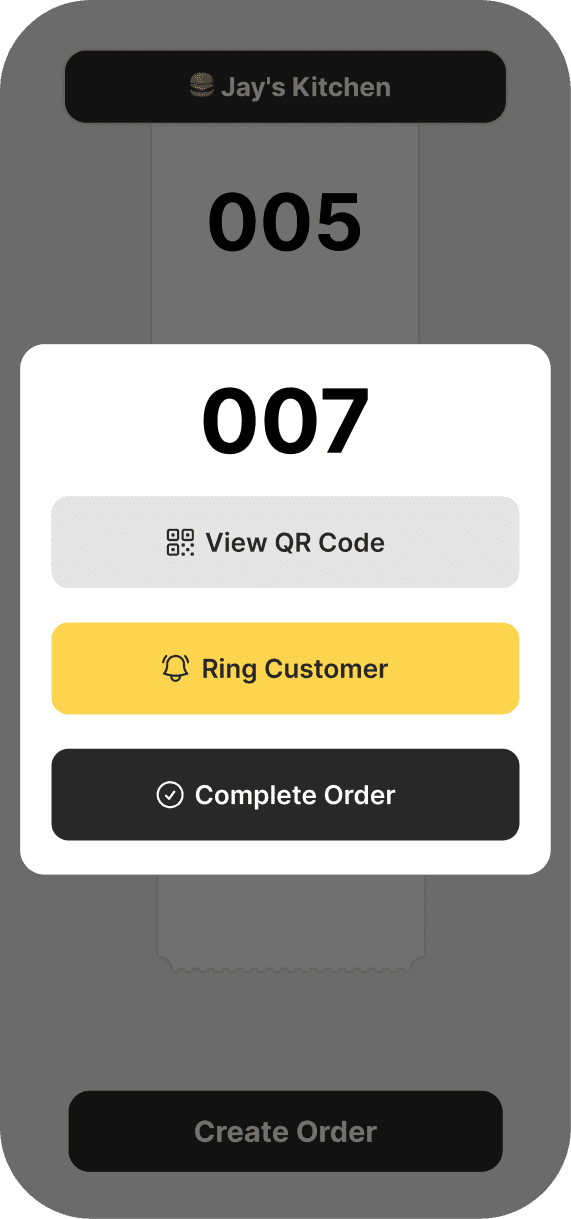
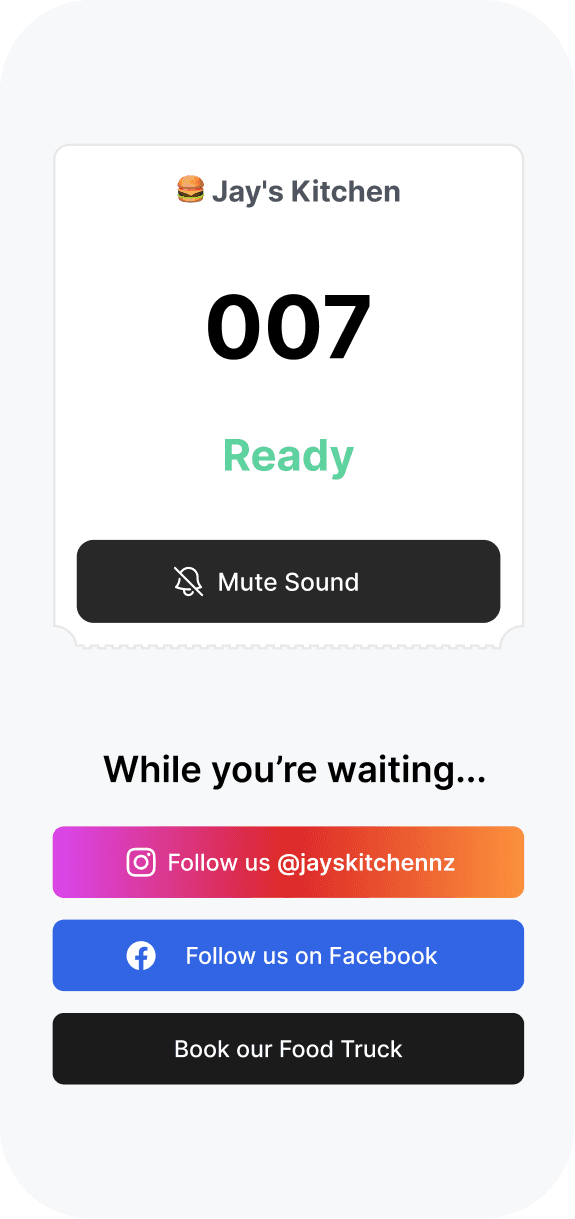
No download for you or your customers.
We make it frictionless for you and your customers to get started.
All you do is signup, all they do is scan.
Free forever. Pay for growth.
We don't believe in charging for tools essential to your business.
Only pay when you're ready to let your existing customers drive your growth.
✨ Free
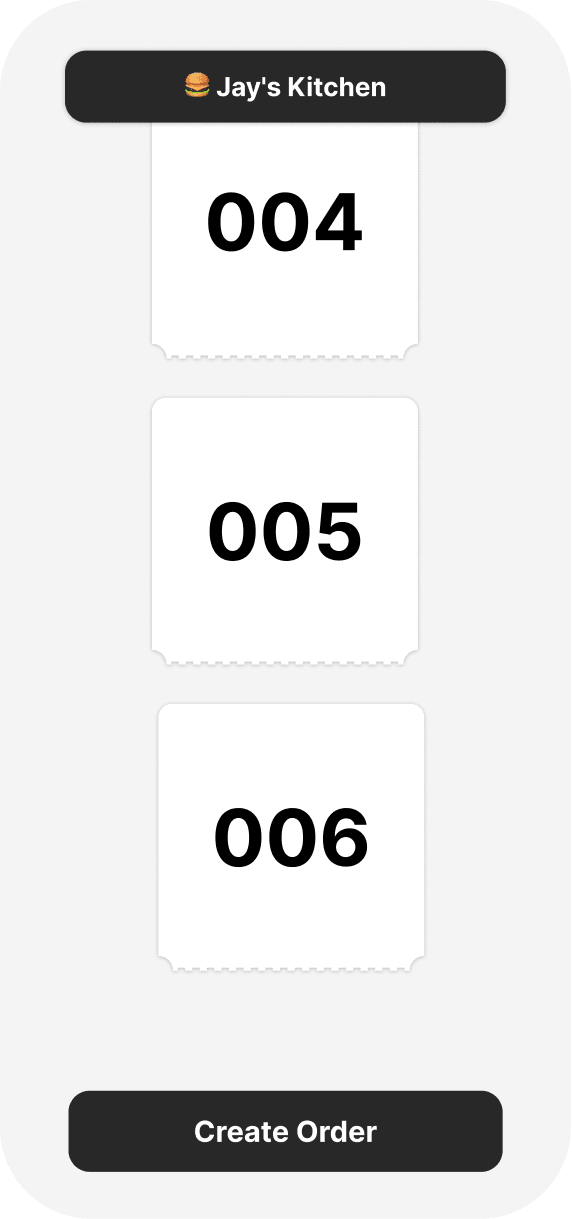
Spend less time yelling out orders and enhance the customer waiting experience.
Create unlimited tickets
Notify unlimited customers
Match tickets to existing orders.
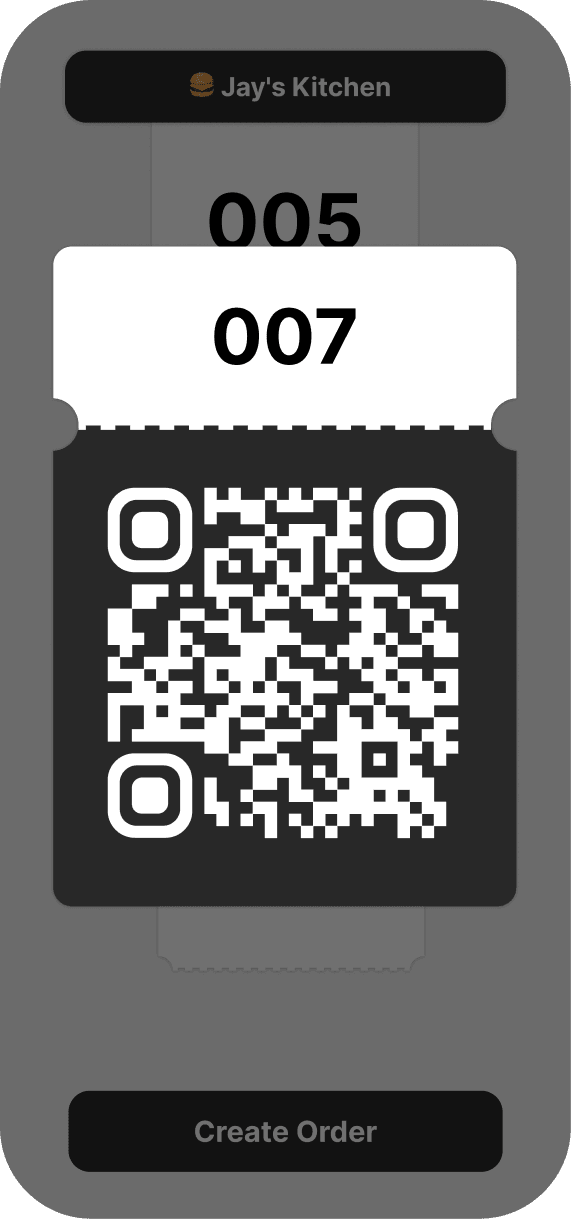
Live QR code on another screen.
🚀 Growth
Unlock your potential with full customer experience customization, driving lead capture and brand engagement.
Your estimated orders:2500 / monthWhat you're missing out on:
Followers
+200 / month
Catering leads
+30/ month
Catering bookings
+6/ month
Frequently Asked Questions
I managed to create version 2 of my product faster with ShipFast instead of the web builder I used. That is incredible!
Jay, Owner of Jay's Kitchen
- Absolutely! With our premium feature, you can add your logo and links to your social media and website. For any additional customisation or a white-label option, reach out to us at hello@qme.co.nz
- Anywhere you have customers waiting! This includes food trucks, restaurants, cafes, barbershops, retailers, and more.
- Up to you! We also provide a hands-free solution called QR Display Mode. You can use a seperate device as the dedicated QR code display so you can continue preparing/taking orders whilst the customer scans their ticket.
- Since it's web-based and there's no need to install anything, it works seamlessly through a web browser on any device.
- All you need to get started is a single smartphone or tablet with internet access. If you want to use QRCode Display Mode, you'll need a second device with internet access.
What are you waiting for?
Get started now ✨Copyright © 2023 QME Limited. All Rights Reserved